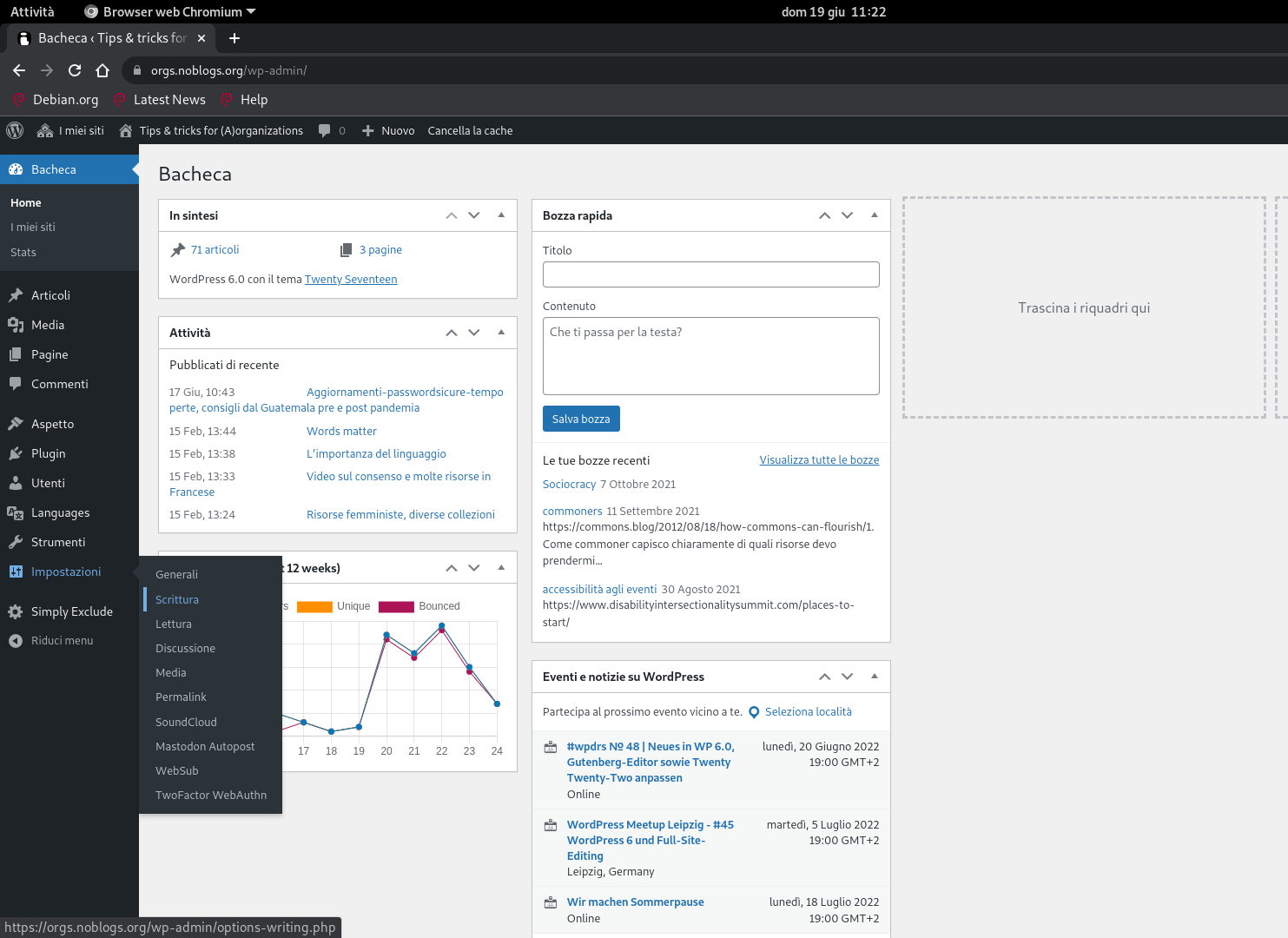
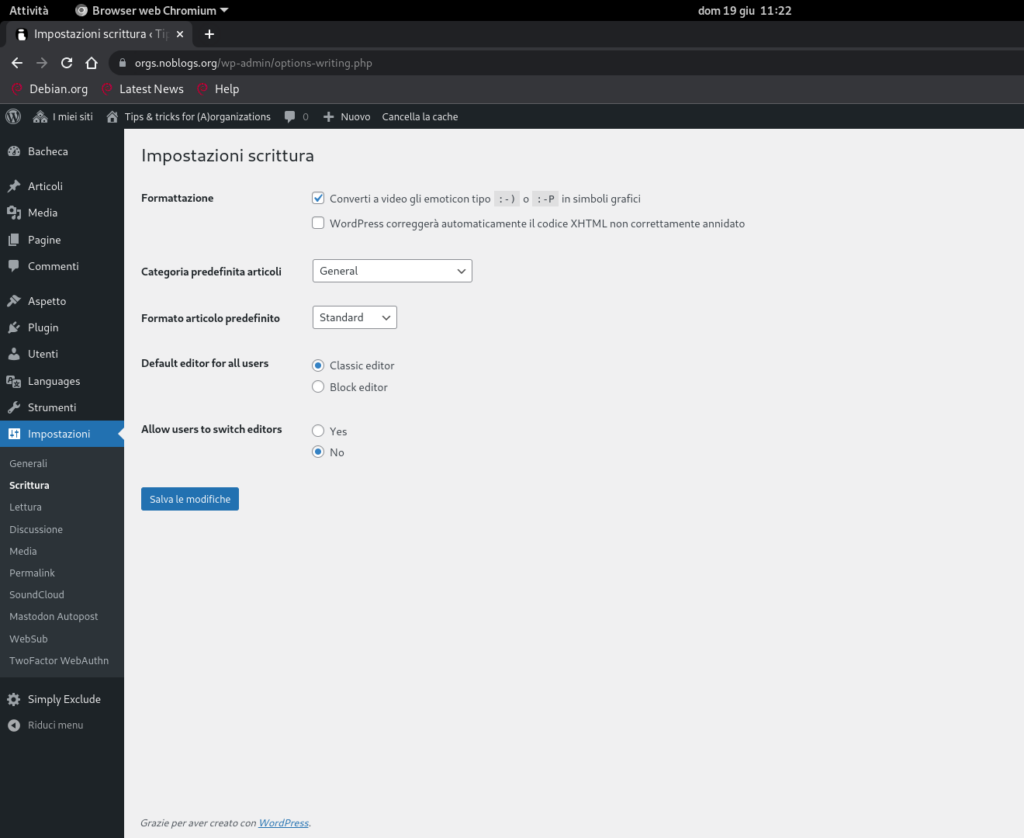
You can change the language of settings of your blog and of your web UI, with few steps:
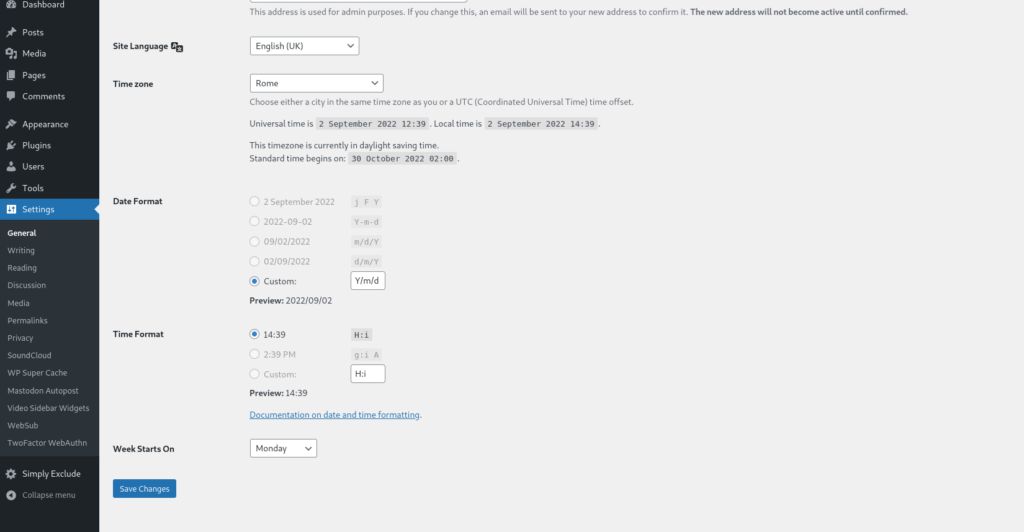
Go in Settings -> General and change the language setting of your blog
language set of your blog
Save Changes
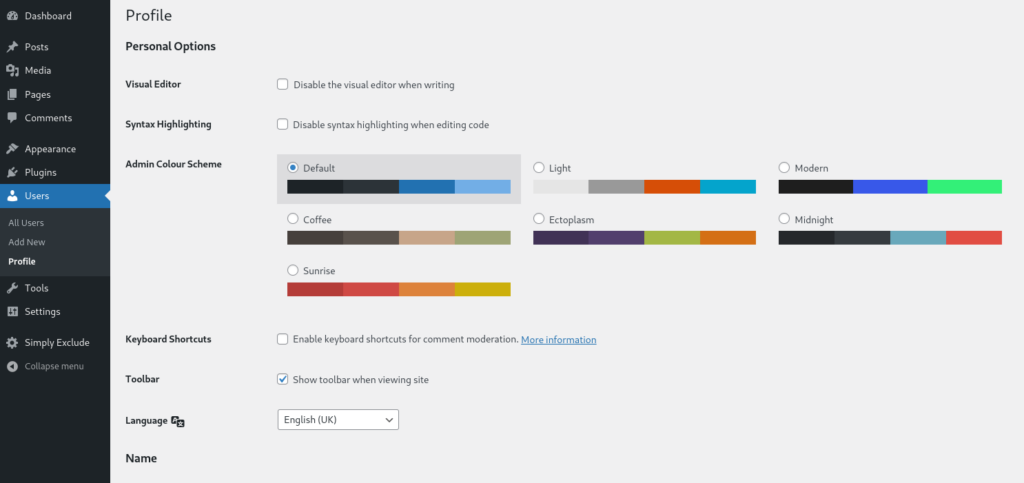
Go to the User -> User profile and change the language
user profile language setting
Save Changes
Click on the button in the black top bar Clear Cache to see the result.
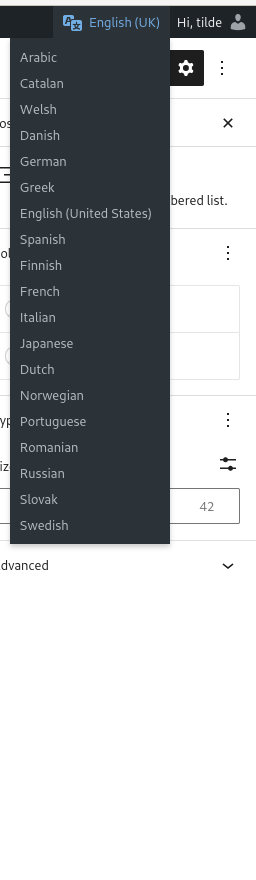
If you use Bogo plugin
on the top right bar, near your name, you can choose one of the supported language
click and your choose is saved
right top when you are logged Click on the button in the black top bar Clear Cache to see the result.
NOTE: this language is the default choose of the post language for the Bogo plugin.
How to customize the widget to show only few languages
we used this CUSTOM CSS, adding in the customizer of our theme, under the section Personalize CSS
ul.bogo-language-switcher li {
    list-style: none outside none;
    padding: 0;
	display:none;
}

ul.bogo-language-switcher li.en-GB,
ul.bogo-language-switcher li.en-US,
ul.bogo-language-switcher li.current, ul.bogo-language-switcher li.it, ul.bogo-language-switcher li.es, ul.bogo-language-switcher li.pt {display:block;}

.bogoflags{display:none;}