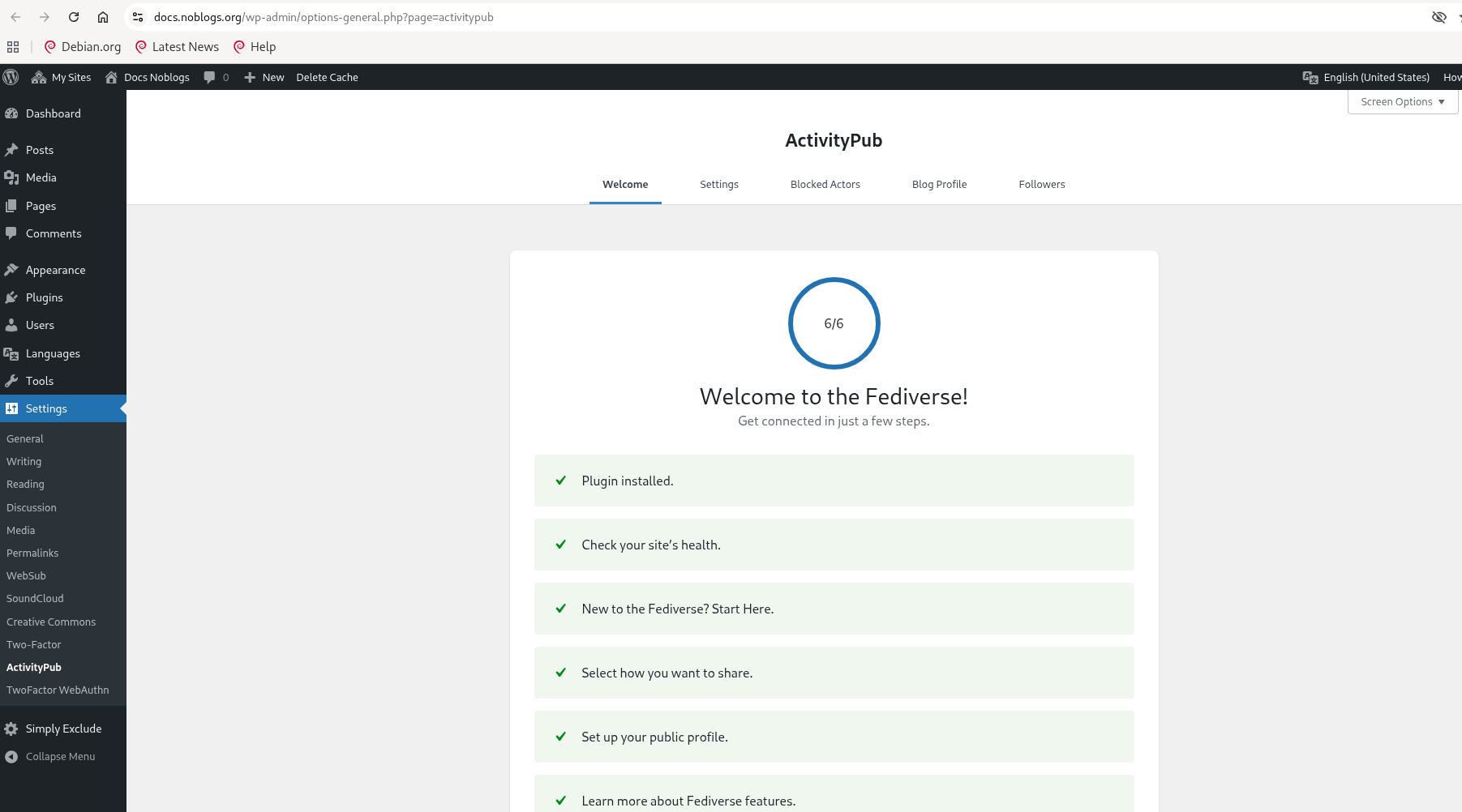
By activating the ActivityPub plugin, you have the opportunity to be followed by those who have a profile on any Mastodon instance, the federated social network, and also by any software that uses the activity pub protocol.
In Noblogs. org only the themes that support Blocks, give complete functionality to the ActivityPub plugin.
We use for these examples, the theme twentytwentyfive.
Complete the configurations of the ActivityPub plugin, from the black column of Left, SETTINGS -> ACTIVITYPUB

PROFILES
You have to decide, if you want to have a distinction between the authors of your blog or if you want to be all under the same collective signature, as we have chosen for this example site: docs@docs.noblogs.org
ACTIVITY
Decide what contents of your blog will also be published in the fediverse.
Remember that all that ends in the fediverse is PUBLIC and REPLICATE, hardly removable and absolutely non-confidential.
You can choose in Post Interactions who can give reactions on what you write and if you make them appear at the foot of your Article, and if you insert it into the Theme Editor, the icons related to the Mastodon user who gave a Like or a Retoot can be shown.
When we publish the single Article we have the option to choose Who can quote this article?, overwriting the General settings.

Reactions from the fediverse can be Approve in the tab Follower

Share your friendships and in your blog your address in the fediverse, so that they can look for you from their Mastodon instance and Follow.
Read the article about ActivityPub Blocks: Follow me!
—
Other info on this plugin: https://wordpress.org/plugins/activitypub
end here: https://github.com/Automattic/wordpress-activitypub/tree/trunk/docs/how-to